Live Streaming 101: How It Works and Why It Matters
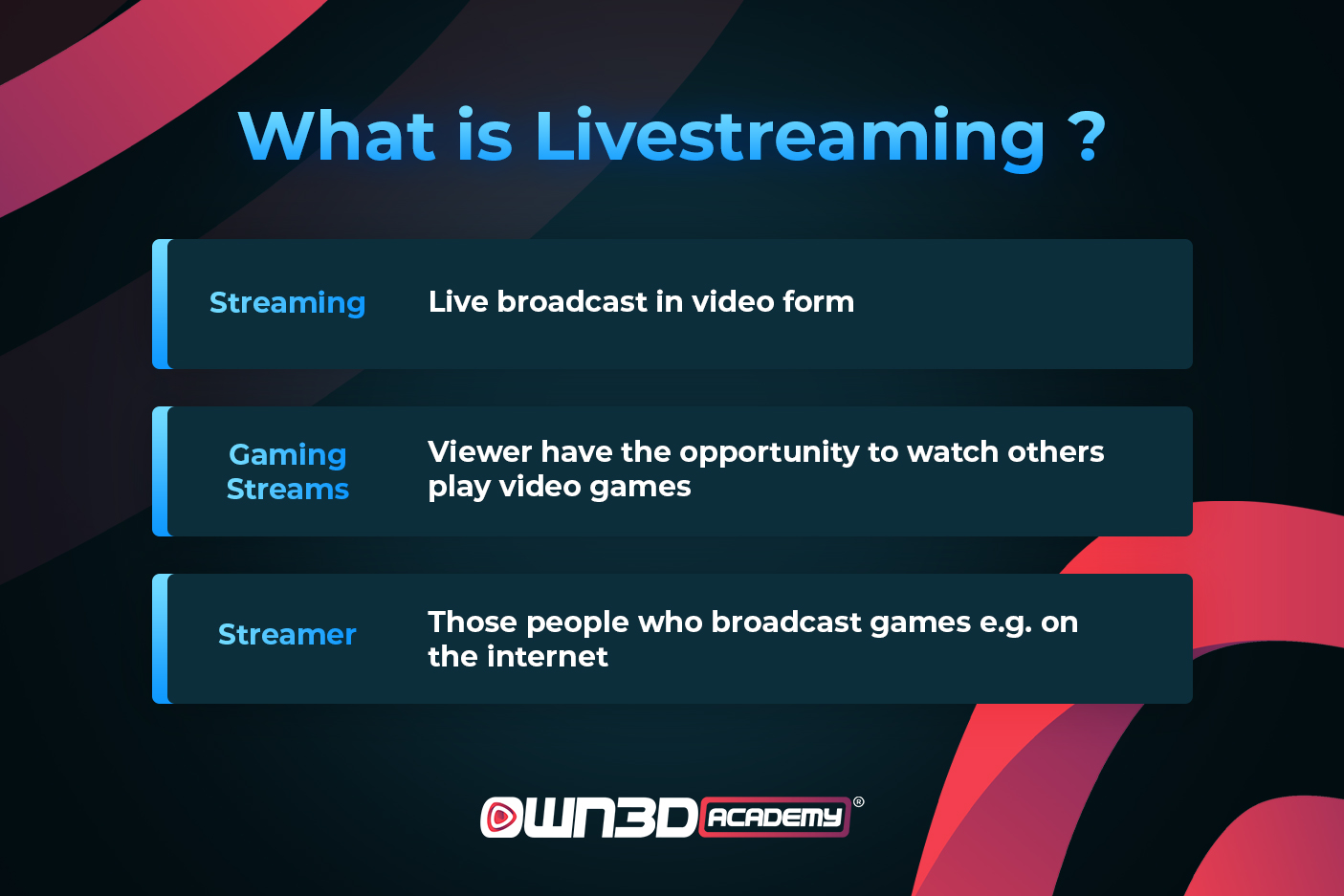
Live streaming, often called real‑time video streaming, is the transmission of audio and video content over the internet as it happens. Unlike pre‑recorded videos, it lets viewers watch events unfold in the moment, whether that’s a concert, a sports match, a webinar, or a casual hangout. The technology has evolved rapidly, turning smartphones and laptops into portable broadcasting studios and turning casual viewers into interactive audiences.
What Is Live Streaming?
At its core, live streaming is a continuous flow of data from a source device to one or more receivers. The source captures the video and audio, encodes it into digital packets, and sends those packets over the internet to a server. From there, the stream is distributed to viewers, who decode it on their devices. The defining feature is the low latency—typically a few seconds—between the source and the audience, which makes the experience feel immediate.
How Live Streaming Works
The process starts with capture: a camera and microphone pick up the visual and auditory signals. These signals feed into an encoder, either hardware or software, which compresses the data using codecs like H.264 or H.265. Compressed packets are then wrapped in a streaming protocol—most common are RTMP for ingest, HLS and DASH for delivery—before being sent to a media server.
The server receives the stream, transcodes it into multiple bitrates, and distributes it via a content delivery network (CDN). CDNs cache the stream across global edge servers, ensuring viewers experience minimal buffering regardless of their location. On the viewer side, a player—built into a website, app, or standalone client—receives the packets, decodes them, and renders the video.
Key Technologies Behind the Stream
- Codecs compress audio/video to manageable sizes while maintaining quality.
- Protocols like RTMP, HLS, and DASH define how packets travel and are reassembled.
- CDNs distribute the load and reduce latency by serving content from the nearest server.
- Adaptive Bitrate Streaming adjusts quality in real time based on bandwidth, keeping playback smooth.
- Cloud Services host ingest and CDN layers, making it easier to scale without managing physical hardware.
Popular Platforms and Use Cases
Several platforms have become synonymous with live streaming, each catering to different audiences and purposes:
- Twitch – Gaming, eSports, creative arts, and community events.
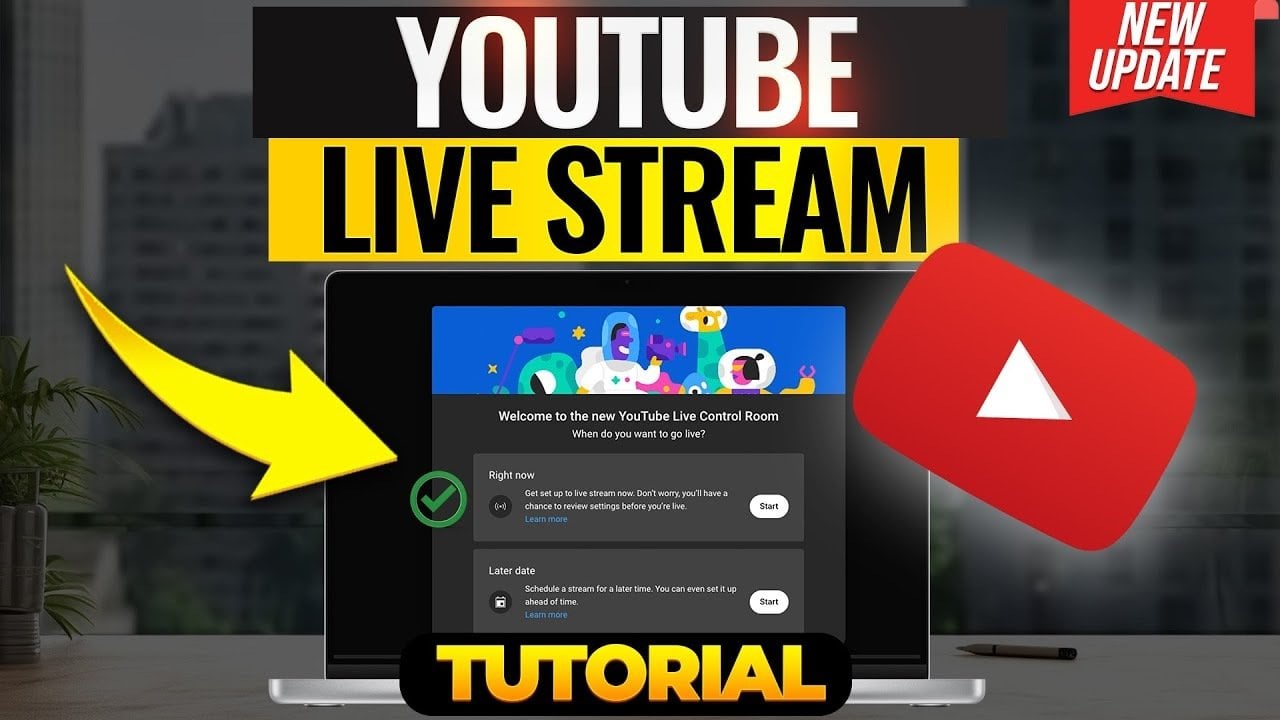
- YouTube Live – Broad content from tutorials to concerts, with monetization via ads and super chats.
- Facebook Live – Social engagement, product launches, and community Q&A.
- LinkedIn Live – Professional webinars, panel discussions, and corporate announcements.
- Instagram Live – Quick, personal interactions with followers, often used for influencer marketing.
- Zoom, Microsoft Teams, Google Meet – Virtual conferences, classrooms, and remote team meetings.
Live streaming also powers niche markets: live auctions, fitness classes, real‑time e‑commerce “live shopping,” and virtual tours of real estate or museums.
Benefits and Challenges for Creators
For creators, live streaming offers instant feedback and engagement. Viewers can comment, react, and even influence the content in real time. Monetization streams—ads, subscriptions, sponsorships, and direct donations—provide financial incentives.
However, it comes with hurdles. Technical issues such as unstable bandwidth, latency spikes, or hardware failures can ruin a broadcast. Maintaining a consistent stream quality requires monitoring tools and sometimes a dedicated support team. Additionally, building an audience demands regular content, interaction, and sometimes strategic promotion.
Getting Started with Live Streaming
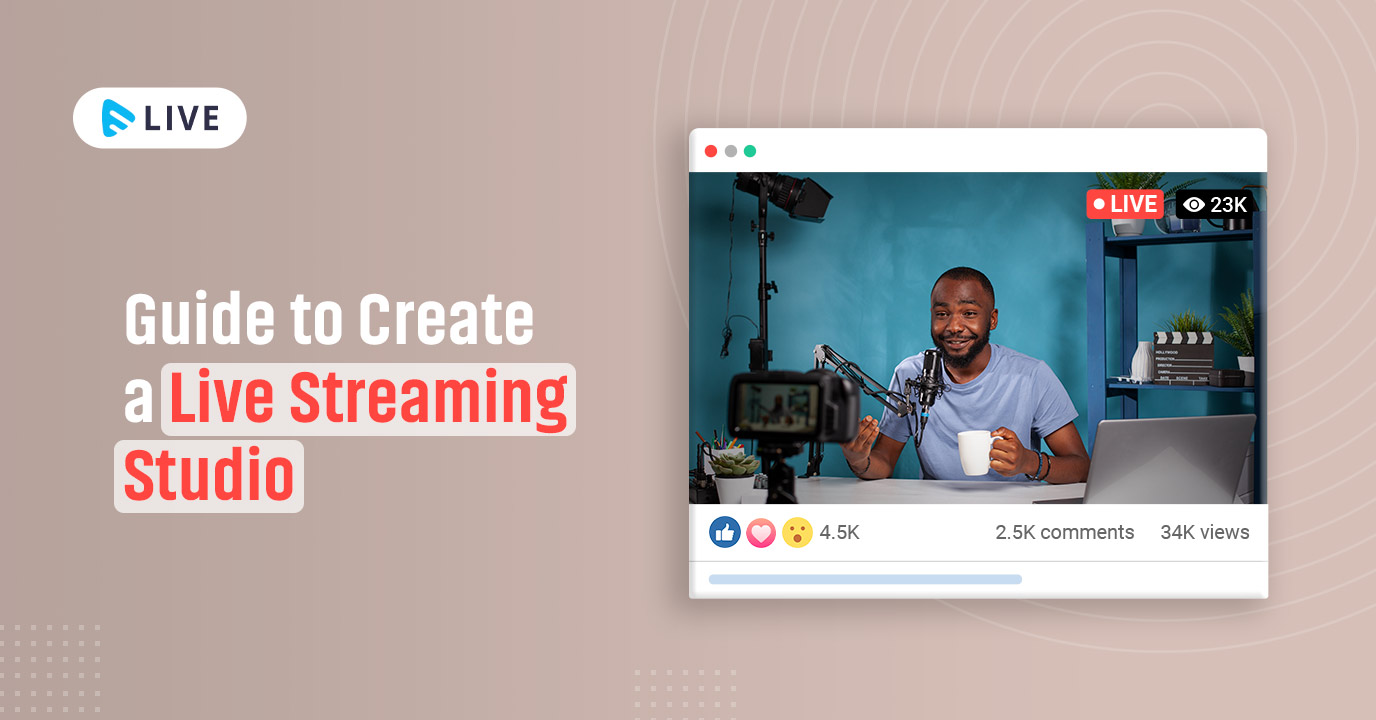
Begin with the basics: a good camera (even a high‑end smartphone), a clear microphone, and a stable internet connection (at least 5 Mbps upload for 720p). Next, choose an encoder—many free options exist, like OBS Studio, Streamlabs, or XSplit.
Register on a platform that suits your niche. Configure stream settings: resolution, bitrate, keyframe interval, and whether to use RTMP or a platform’s native integration. Test your setup by broadcasting to a private or unlisted channel before going live publicly.
Finally, prepare a script or outline. Even spontaneous streams benefit from a clear structure to keep viewers engaged and to meet your objectives—whether that’s educating, entertaining, or selling.
Tips for a Successful Live Broadcast
- Engage Early – Greet viewers, ask questions, and acknowledge comments to create a community feel.
- Use Overlays – Display branding, social handles, and real‑time metrics to keep the stream professional.
- Monitor Metrics – Watch viewer counts, chat activity, and latency to spot problems before they snowball.
- Backup Plan – Keep an extra internet source (cellular hotspot) and a secondary camera in case of failure.
- Post‑Stream Value – Save the stream, edit highlights, and repurpose clips for later use on other platforms.
FAQ
What equipment do I need for a basic live stream?
A decent webcam or smartphone, a microphone with low latency, a stable internet connection, and an encoder like OBS Studio. Optional gear includes a green screen, lighting kit, and capture card for higher‑quality cameras.
How can I reduce latency during a live stream?
Use protocols designed for low latency, such as WebRTC or low‑latency HLS. Keep the bitrate moderate to avoid buffering, and choose a CDN or platform that prioritizes minimal delay.
Is it necessary to have a professional studio to stream?
No. Many successful creators stream from simple setups: a laptop, a webcam, and a quiet room. Focus on good audio quality and stable connection, and add polish gradually.
Can I monetize a free live stream?
Yes. Platforms like YouTube Live offer ad revenue, while Twitch and Facebook support subscriptions, super chats, and sponsorships. Live shopping and donation overlays are also effective monet