How to Bypass iCloud on an iPhone 7 for Free in 2022
Many users find themselves locked out of a used iPhone 7 after the original owner forgets their Apple ID. The iCloud Activation Lock is a powerful safeguard, but it can be frustrating when you legitimately own the device. This guide walks through the legal, free ways to recover access, debunks common myths, and explains why the “free bypass” methods you see online are often scams.
iPhone 7 iCloud Bypass Free Methods: What You Need to Know
At its core, an iCloud bypass isn’t about hacking software; it’s about proving ownership. In 2022, Apple hasn’t opened an official public shortcut, but there are still legitimate routes you can take. The trick is to gather evidence of purchase and identity, then reach out to the right channels.
1. Verify the Purchase Receipt
- Locate the original sales invoice from Apple or a certified retailer.
- Make sure the receipt lists the exact iPhone 7 serial number.
- Keep a PDF or printed copy handy for when you contact Apple Support.
2. Use the Apple ID Recovery Page
If you remember the Apple ID tied to the device, the simplest route is to reset the password. Go to iforgot.apple.com, enter the ID, and follow the prompts. Once the password is reset, you can log in on the iPhone and remove the lock.
3. Contact the Seller or Original Owner
For a second‑hand purchase, request that the previous owner remove the device from their iCloud account. They can do this remotely by logging into iCloud.com, selecting “Find My iPhone,” choosing the device, and clicking “Remove from Account.” If that’s impossible, they can provide you with the original Apple ID credentials so you can log in.
4. Reach Out to Apple Support Directly
Apple’s support team can verify ownership if you provide:
- Serial number or IMEI.
- Proof of purchase (receipt, invoice).
- Personal ID (driver’s license, passport) if asked.
Once verified, they’ll walk you through unlocking the device. This process is free and fully legal.
5. Check for Third‑Party Apple‑Certified Repair Shops
In some regions, certified service centers can assist with activation lock removal after verifying documentation. These shops are licensed by Apple and follow the same ownership proof guidelines.
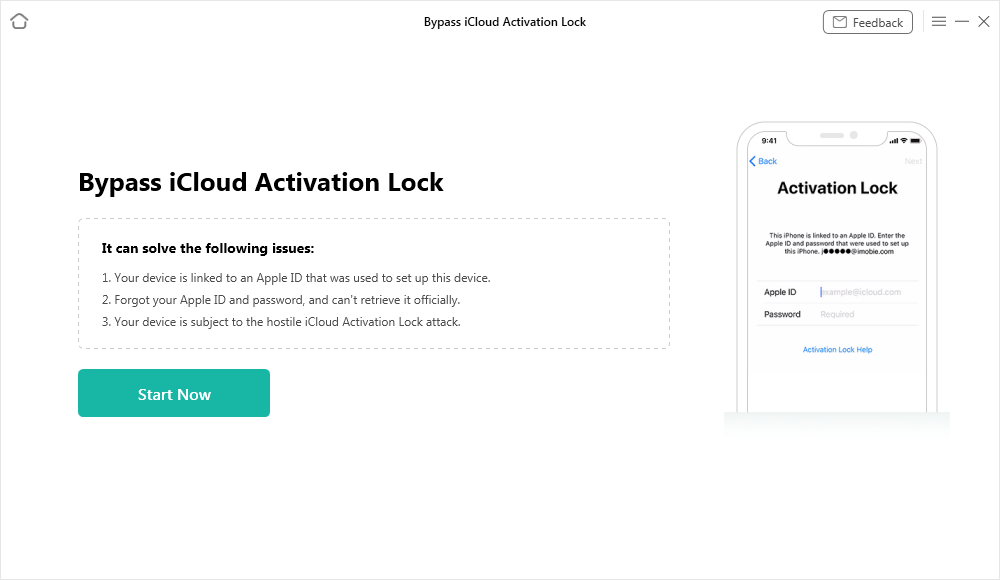
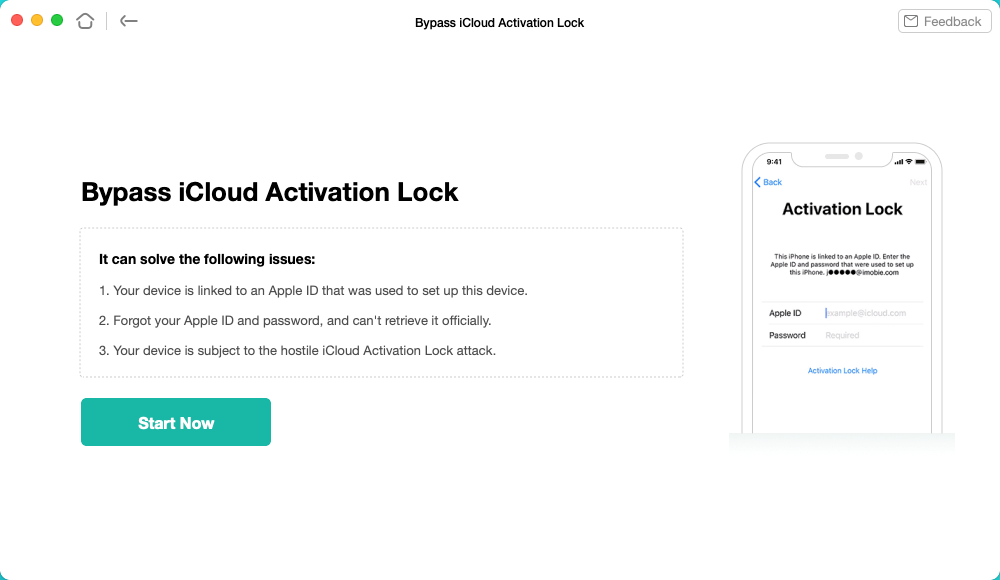
6. Avoid “Free Bypass” Sites and Software
Many websites claim to unlock iCloud for free with a simple download or online tool. These are almost always phishing scams or malware distributors. Never download unknown software or share your Apple credentials on a third‑party site. The risk of data loss, device bricking, or identity theft far outweighs any promised shortcut.
Prevent Future Lockouts
Once you’re back on your iPhone 7, consider these steps to keep your device safe and accessible:
- Enable “Erase Data” after 10 failed attempts: This helps secure your data but also forces you to remember your Apple ID.
- Keep a backup of your Apple ID: Write it down in a secure place.
- Use a reputable retailer for future purchases: Verify that the device isn’t activation‑locked before buying.
What If You’re Still Locked Out?
Apple’s Activation Lock Troubleshooting page offers a step‑by‑step guide. If you’re unable to reach support, visiting an Apple Store in person may provide additional assistance, especially if you can show the device and proof of ownership in hand.
Frequently Asked Questions
- Can I unlock an iCloud‑locked iPhone 7 using free software? No. Free unlocking tools are illegal and typically malicious. Use Apple’s official channels instead.
- What if the seller won’t cooperate? Provide Apple with proof of purchase and the serial number. Apple may unlock the device if the seller cannot be located.
- Is it possible to bypass Activation Lock without Apple’s help? Legally, no. Technically, some methods exist, but they violate Apple’s terms and can void warranties, so they’re not recommended.
- Will the device work after unlocking? Yes. Once the Activation Lock is removed, the iPhone can be set up like a new device or restored from backup.
By sticking to legitimate, free methods, you can regain access to your iPhone 7 without falling for scams or violating Apple’s terms of service. Stay patient, gather your documents, and let Apple verify your ownership. Once cleared, you’ll enjoy your device again—securely and responsibly.
![Guide to Bypass iPhone SE iCloud Activation Lock [Top 4 Ways]](https://images.wondershare.com/drfone/article/2022/10/iphone-se-icloud-bypass-1.jpg)
![Top 7 iCloud Bypass Tools [2023 Updated]- Dr.Fone](https://images.wondershare.com/drfone/drfone/remove-activation-lock-4.jpg)